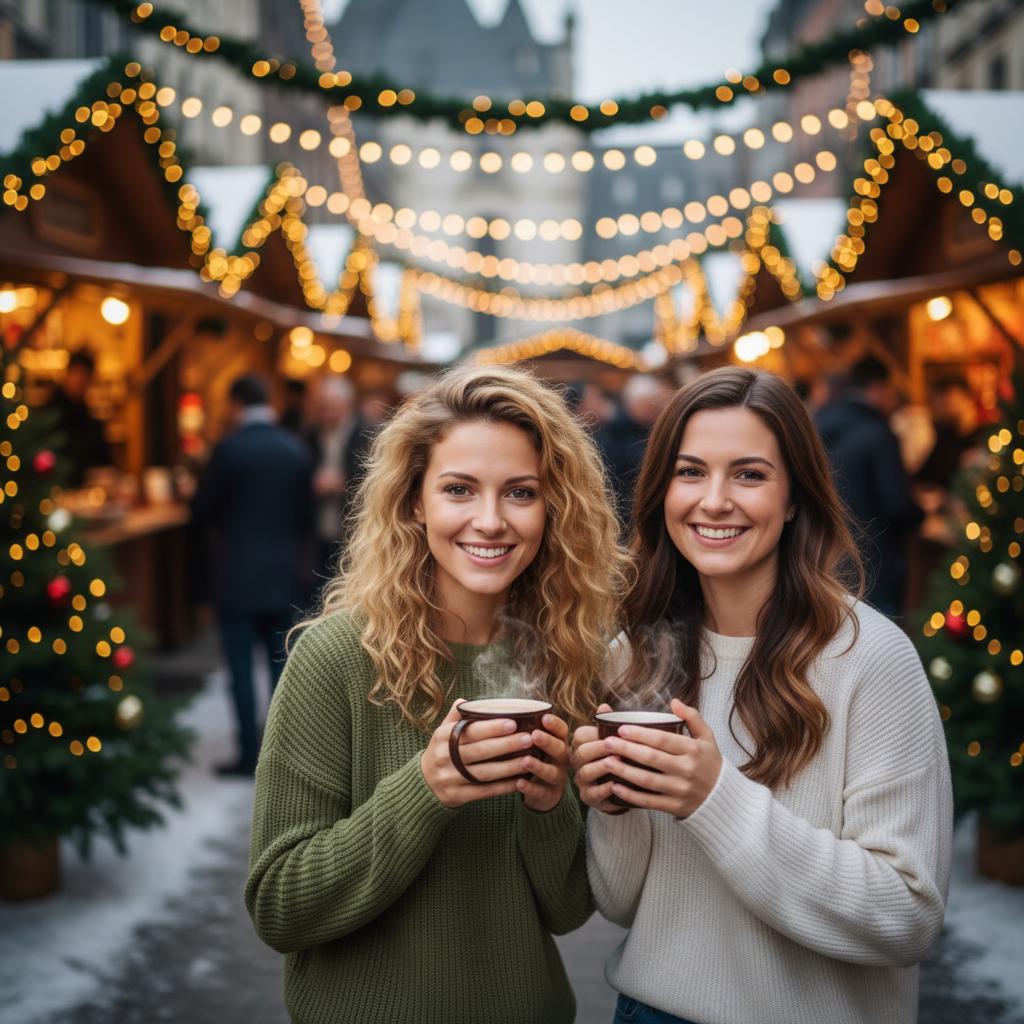
A practical guide for “AI Christmas photo generator for families”
The five-minute answer
How to make an AI Christmas family photo from separate pictures
- Add the family portraits.Choose one clear, front-facing photo for each of two to five relatives—even when the pictures come from different camera rolls.
- Choose a Christmas scene.Pick a winter market, snowy cabin, or warm indoor setting with enough room around every face.
- Generate and inspect.Create the new holiday portrait, then check faces, hands, decorations, and crop space before sharing or printing.
Making a holiday card? Generate the portrait without lettering, then add names and greetings in a normal layout tool so every word is exact.
Christmas cards need room for cropping and text, so use a centered group scene with clean space around the people. Generate the portrait first, inspect it carefully, then add names or greetings in a separate design tool.
Matching sweaters are optional. Similar color temperature and relaxed expressions matter more than identical clothes in the original portraits.
Three scenes that fit this idea
Snowy cabin
Warm windows against cool snow create a classic holiday-card contrast.
Winter market
Lights and stalls add festivity while supporting casual clothing.
Tree at home
A familiar interior works for a warm, intimate family card.
Choose source photos the model can read
TogetherLens creates a new composition from the people you provide. It does not need matching backgrounds, but it does need clear facial information. Start with the original file when possible rather than a screenshot downloaded from a social network or messaging app.
- Leave hair and shoulders visible for winter styling.
- Use similar smiles across the group.
- Plan a vertical or square crop before adding card text.
- Keep each face fully visible and ask every living person for permission.
Generate in three deliberate steps
- Add two to five people.Use one clear portrait for each person and review every crop before continuing.
- Choose one or two vibes.Pick a scene that supports the story instead of competing with the faces.
- Inspect the preview.Check eyes, teeth, hands, clothing, jewelry, and meaningful background details. Trial previews are protected with a watermark.
What to avoid
- Expecting generated lettering to be accurate
- Cropping faces near the edge
- Ordering prints before inspecting hands and ornaments
Generated photos are creative images, not documentary evidence. Disclose that the result is AI-generated when context matters, and never use someone’s face to impersonate, embarrass, or mislead.
Questions about this portrait
How do I make an AI Christmas photo with my family?
Add one clear portrait for each of two to five family members in TogetherLens, choose a winter or Christmas scene, then generate and inspect the new family composition.
Can I make a Christmas family photo from separate pictures?
Yes. The source photos can come from different camera rolls and their backgrounds do not need to match because TogetherLens composes one new holiday scene.
Is there an AI Christmas photo app?
TogetherLens is available for iPhone and Android. It is free to install, and eligible new users can try one protected preview before choosing Premium for full-quality results and more scenes.
Can TogetherLens add a holiday greeting?
Create the portrait in TogetherLens, then add exact text in a card or layout app for reliable spelling.
Can family members be in different countries?
Yes. Each person can contribute a separate clear portrait.